
Pynaviz : python neural analysis visualization#
Overview#
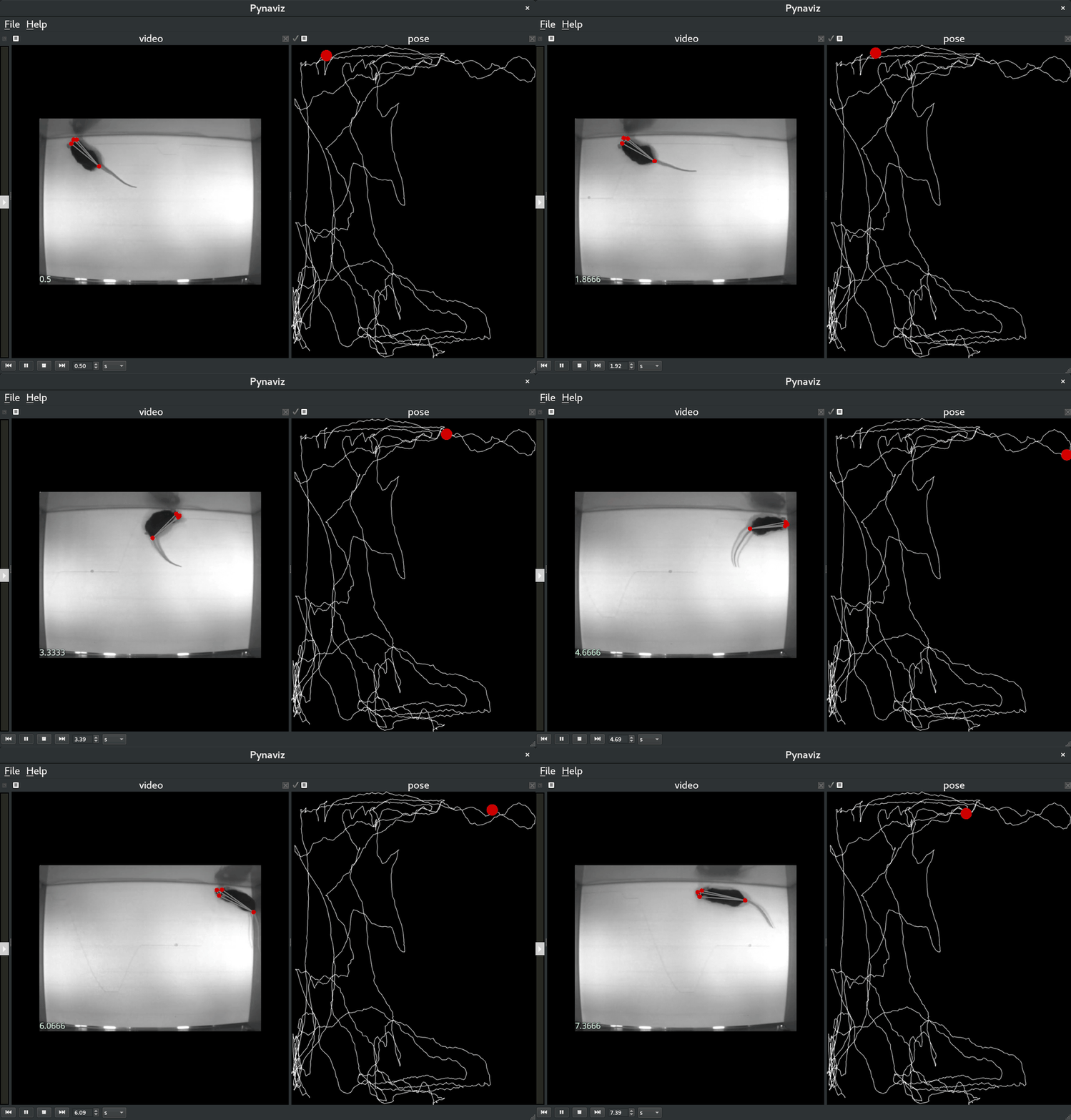
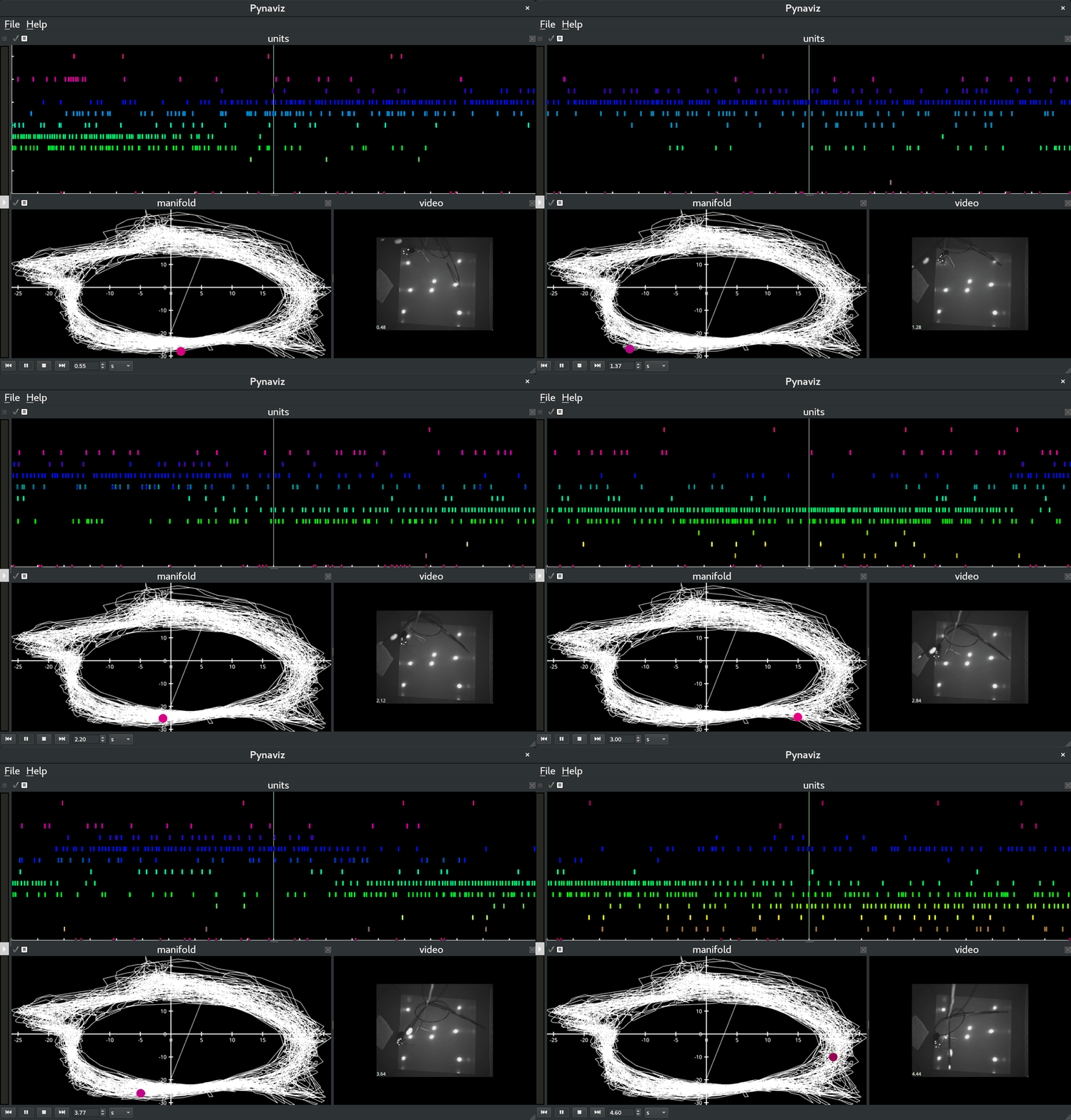
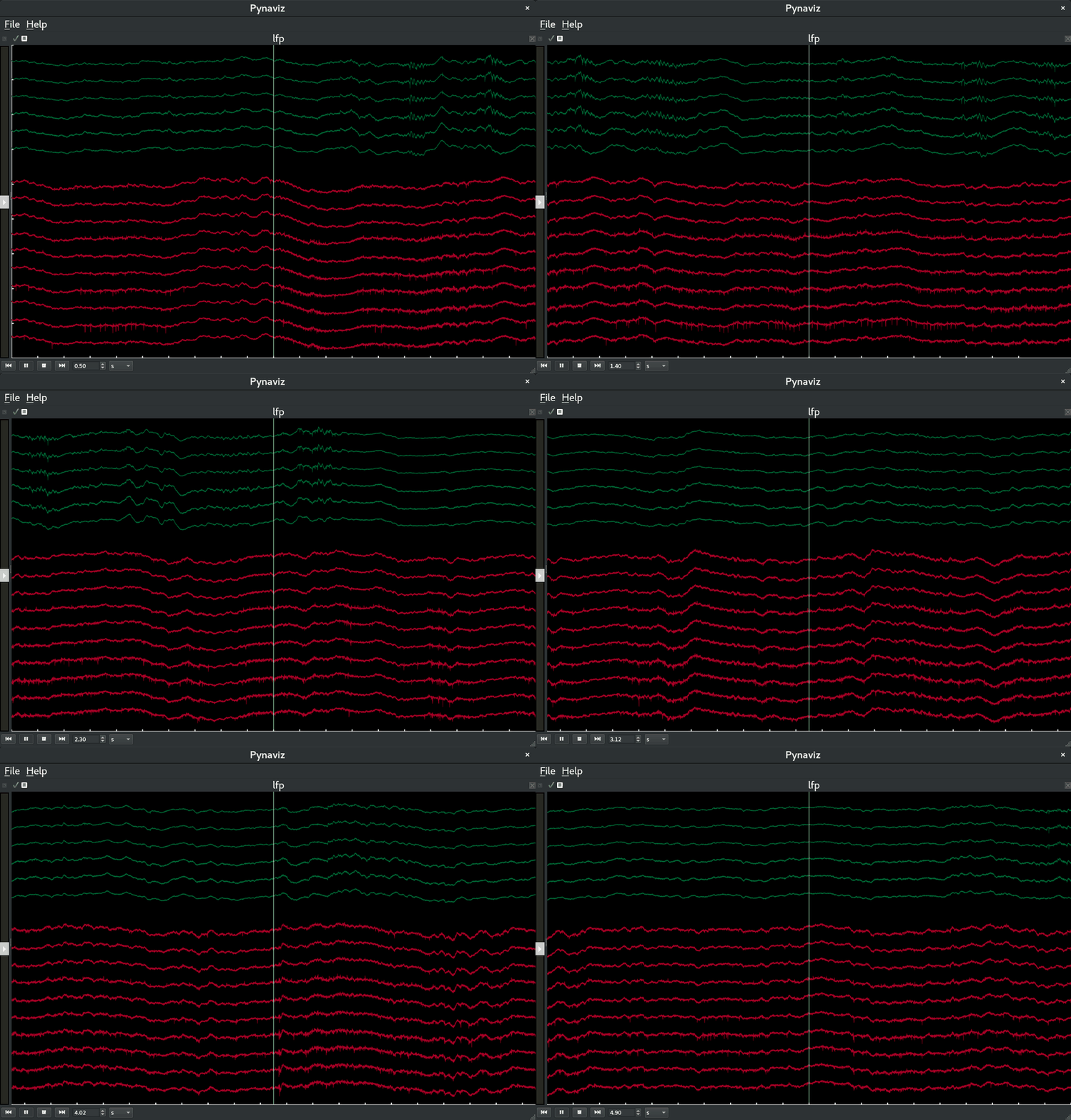
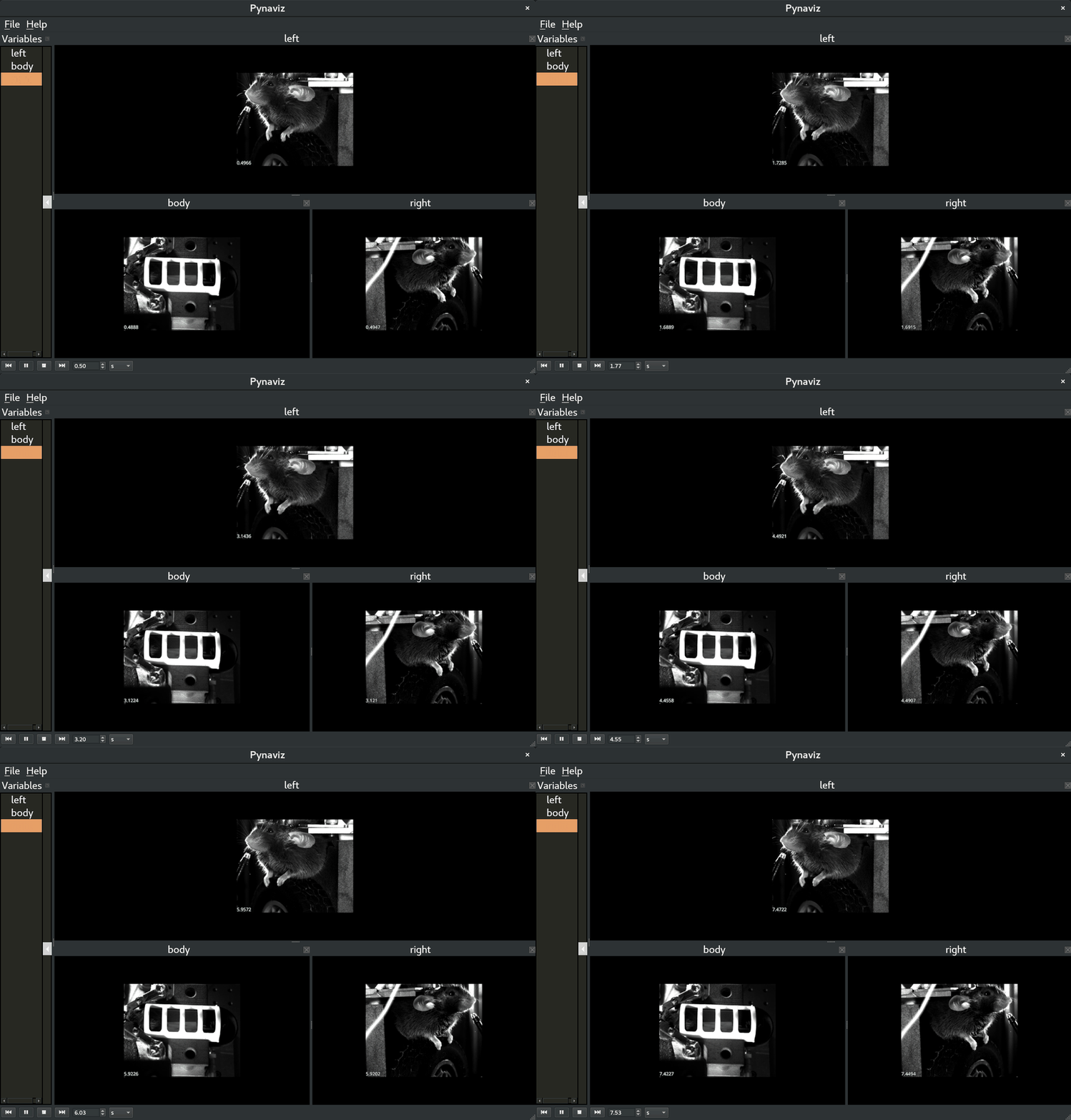
Pynaviz provides interactive, high-performance visualizations designed to work seamlessly with Pynapple time series and video data. It allows synchronized exploration of neural signals and behavioral recordings. It is built on top of pygfx, a modern GPU-based rendering engine.
There are two ways to use Pynaviz:
GUI — launch an interactive viewer from the command line (
pynaviz) or from a Python script viascope(). Drop in files, scrub through time, and arrange plots without writing any additional code.Programmatic — embed the individual plot widgets (
TsdWidget,TsGroupWidget, …) directly inside your own Qt application for tighter integration with custom pipelines.
Installation#
$ pip install pynaviz[qt]
Please refer to the Installation instructions for more details.
Quick start#
From the command line:
$ pynaviz data.nwb recording.mp4 -l layout.json
From a Python script:
from pynaviz import scope
scope({"lfp": tsdframe, "spikes": tsgroup})
See the GUI reference for the full list of accepted file types,
scope() input forms, and keyboard shortcuts.
Support#
This package is supported by the Center for Computational Neuroscience, in the Flatiron Institute of the Simons Foundation.

